Contour is the app I tried to build when I first started learning to program, and finally shipped years later. Read the story →
Free · iPhone
Retake the exact same photo.
Contour overlays any photo's contours on your live camera so you can line up the exact same shot — recreate a pose you saw on Instagram, track your progress, then compare before & after or make a clip to share.
iOS 17+ required.
📸 Align by overlay
🔀 Before & after slider
🎞️ Make a GIF
🔒 No account, no ads
Simple Workflow
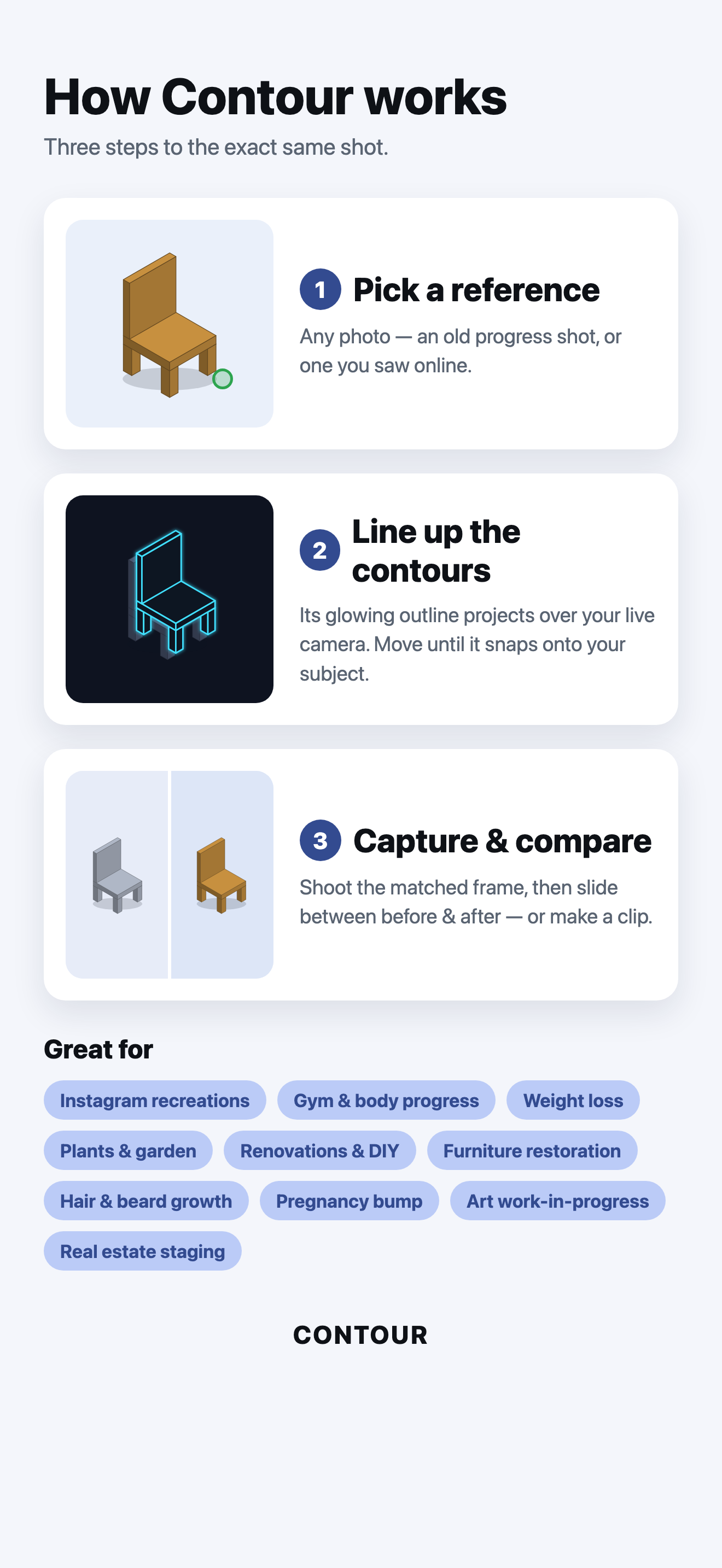
How Contour Works
Three steps from an old photo to the exact same shot.
Load a reference
Pick any photo from your library. Contour traces its edges.
Line it up
The contours project over your live camera. Move until they snap onto your subject.
Capture & compare
Shoot from the same angle, then slide between before & after.
See It In Action
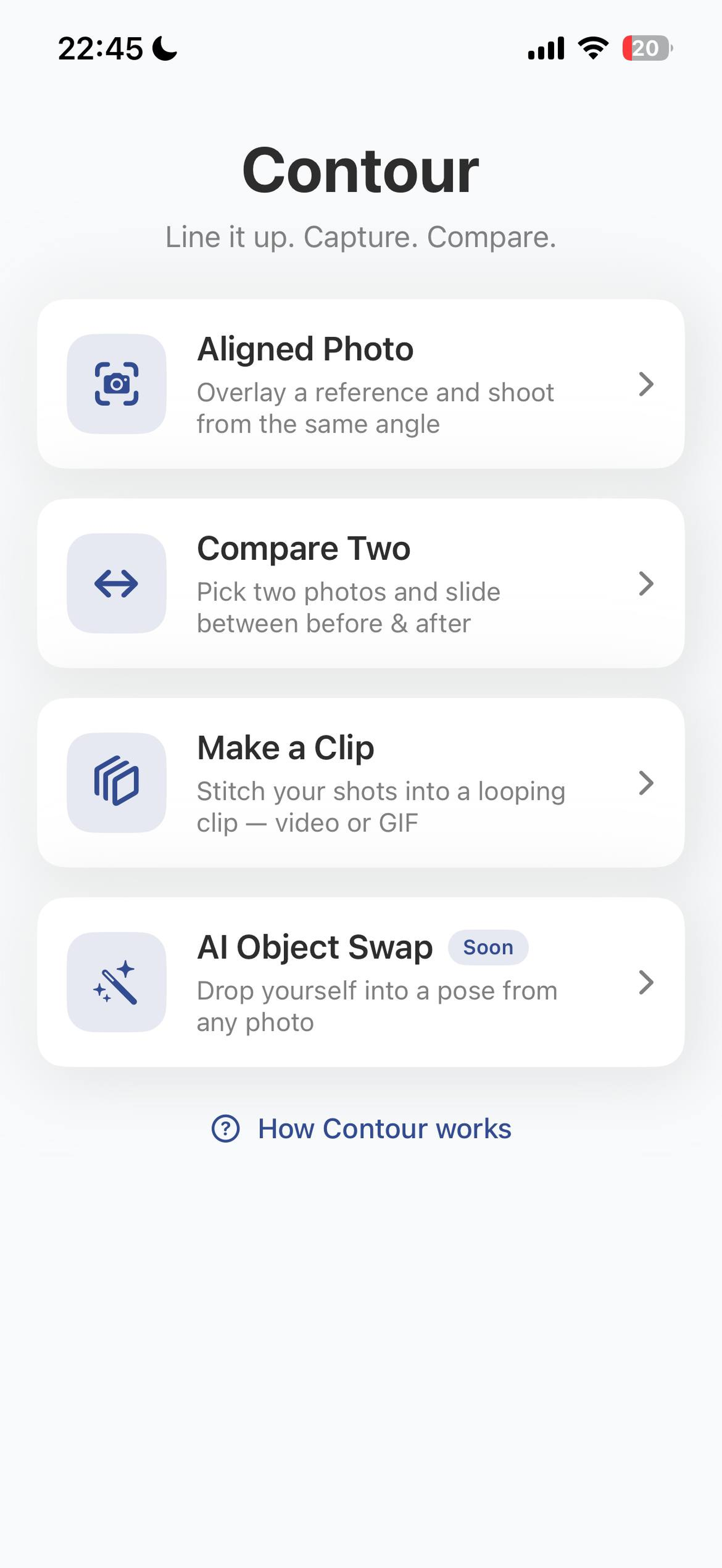 Everything in one place
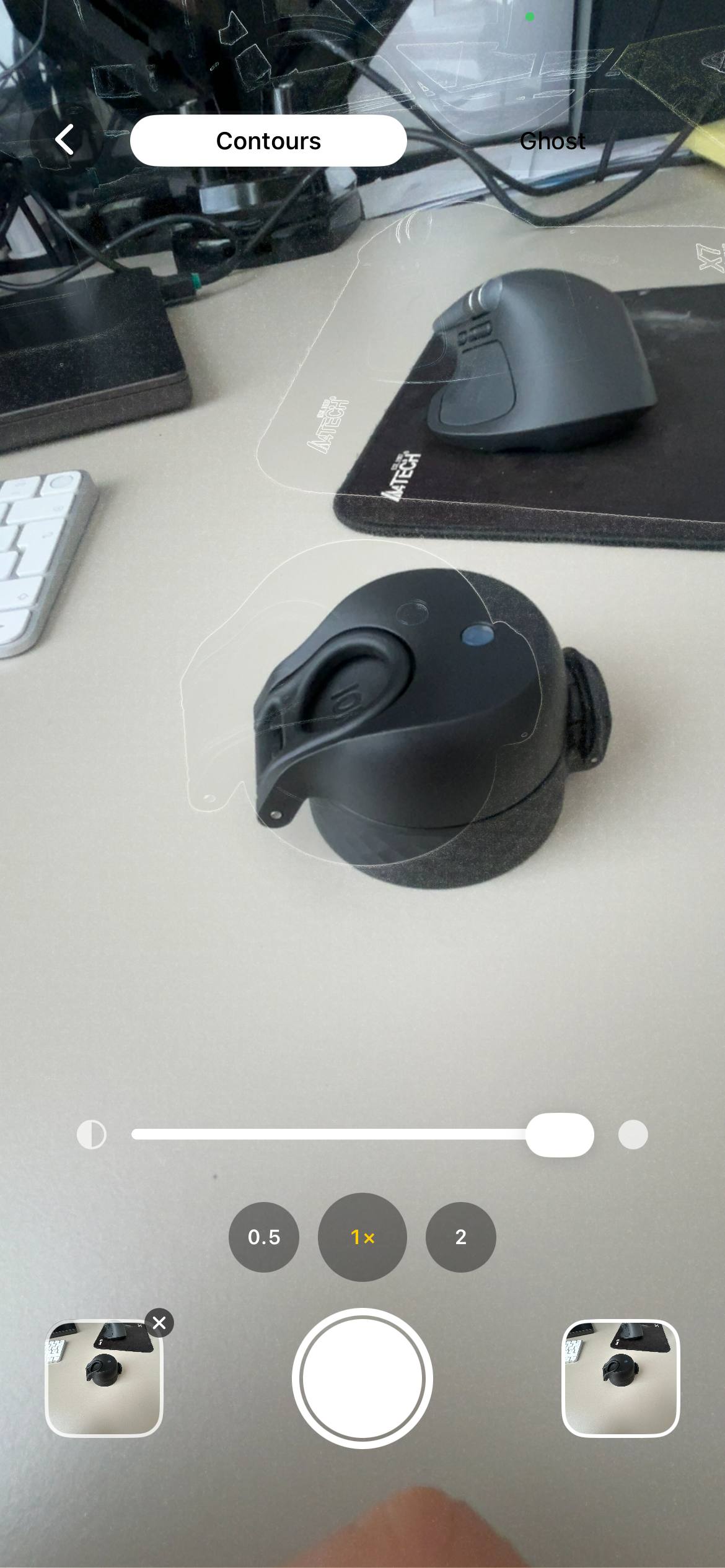 Contour overlay
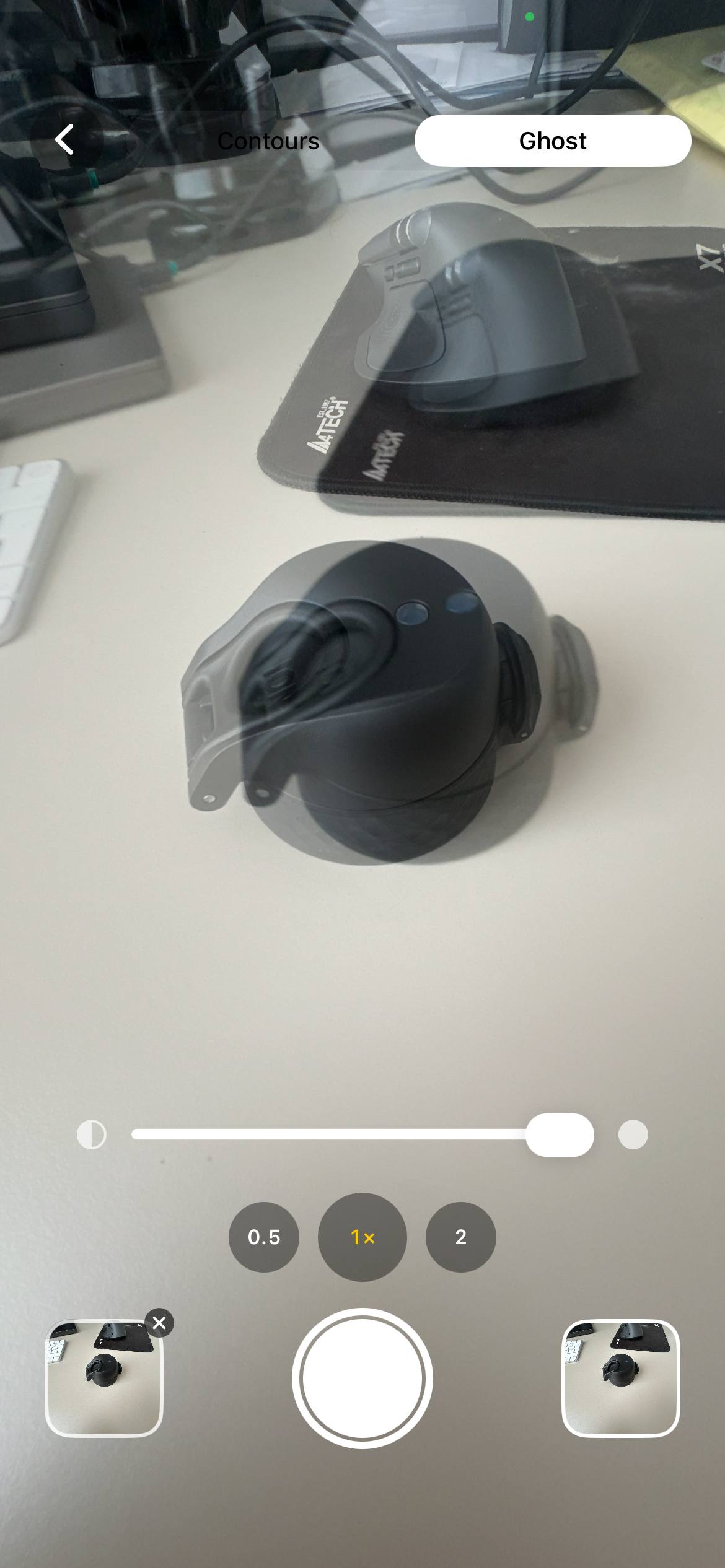 Ghost overlay
 Before & after
What Contour Looks Like
A preview of the app on your iPhone.
Key Features
Everything in Contour
Align, compare, and watch change over time.
Contour overlay
Glowing edge outlines, a faded ghost of the photo, or off. Pinch, drag, and fade the overlay until everything lines up.
Compare two photos
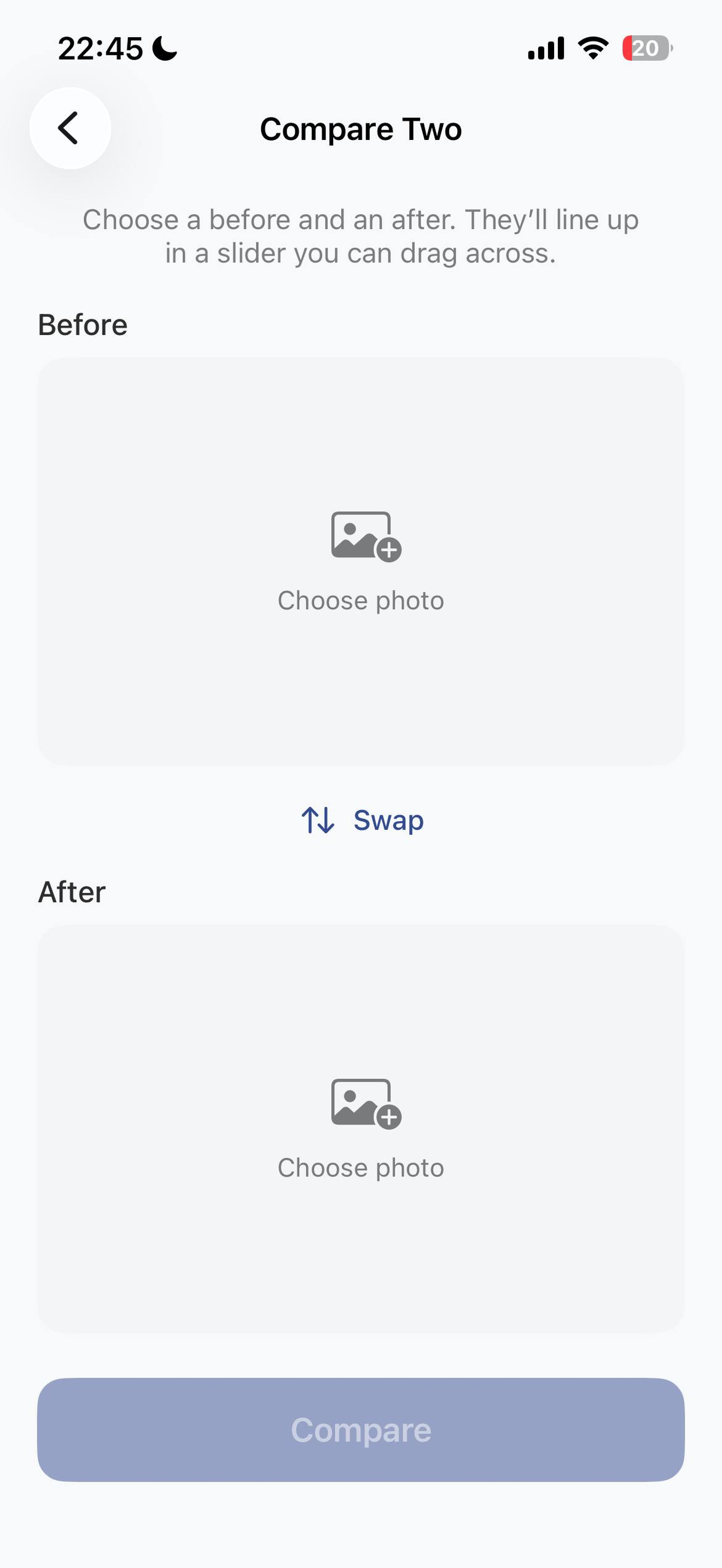
Pick any two shots and drag a slider between them. Swap before and after with one tap.
Make a GIF
Stitch your photos into a looping GIF and set the frame speed. Watch change over time.
AI Object Swap Coming soon
Use a pose from any photo as your reference and drop your own version into the scene.
Private by design
No account, no ads, nothing uploaded. Your photos stay on your device.
Free
Contour is free, made by an indie developer.
Who It's For
When "Close Enough" Isn't Good Enough
Saw a photo on Instagram you want to recreate? Someone posing at a statue, a doorway, a famous building — load their photo as your reference, line the contours up on the real scene, and stand exactly where they stood. Match the shot instead of guessing at it.
It works the same way for everything where framing matters:
- Fitness and body progress photos that actually show progress instead of lighting drift
- Hair transplant month-by-month tracking across the full 18-month timeline
- Weekly pregnancy bump photos over nine months
- Tattoo healing day by day from the same angle
- Tretinoin, retinol and beard journeys documented honestly
- Plant growth timelapses without a fixed rig
- Renovation and self-build progress on a phone instead of a $1,200 Brinno
- Then-and-now rephotography recreating a historical shot from the same spot
The Story
Why I Built It
Common Questions
Frequently Asked Questions
Is Contour free?
Yes. No account, no ads, no in-app purchases.
Do my photos get uploaded anywhere?
No. Everything happens on your device. Captures and GIFs save to your Photos library.
Do I have to take photos inside the app?
No. Shoot in Contour, or use your normal camera and pick photos later for Compare or GIF.
What do I need?
An iPhone running iOS 17 or later.
Is it available in my language?
Contour follows your phone's language and is available in English, Spanish, and Russian.
When is the AI feature coming?
It's in the works. The current version focuses on aligning, comparing, and making GIFs.
Featured on



